AI Video Maker – Complete Guide 2026
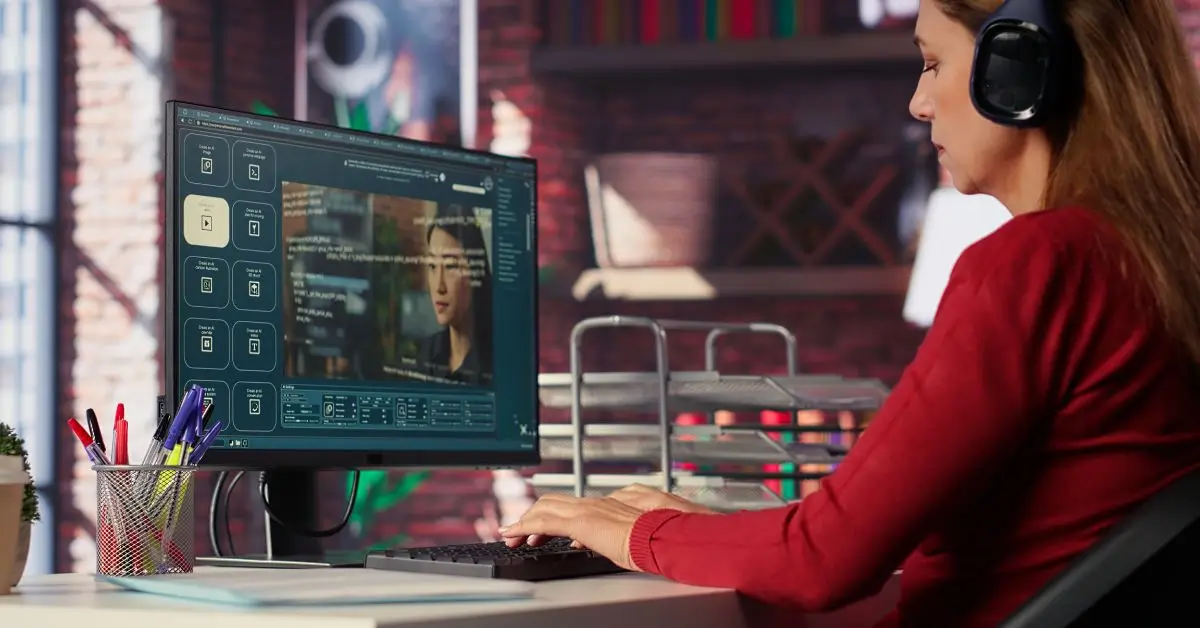
In today’s digital world, video content is more important than ever. Whether you are a content creator, marketer, or business owner, using an AI video maker can save time and effort. AI-powered tools allow you to create professional videos in minutes without needing advanced editing skills.
This guide will help you understand what an AI video maker is, how it works, and which tools are best in 2026.
What is an AI Video Maker?
An AI video maker is a software tool that uses artificial intelligence to create videos automatically. You simply enter text, images, or scripts, and the AI converts them into engaging videos.
These tools use technologies like:
- Machine learning
- Natural language processing
- Text-to-video conversion
This makes video creation faster and easier for beginners and professionals alike.
Why Use an AI Video Maker?
There are many reasons why people prefer using an AI video maker:
- Saves time and effort
- No editing skills required
- Cost-effective solution
- Fast content creation
- Professional-quality output
Instead of spending hours editing, AI tools can generate videos in just a few clicks.
Best AI Video Maker Tools (2026)
Here is a comparison table of some popular AI video maker tools:
| Tool Name | Free Version | Key Features | Best For |
| Pictory | Yes | Text to video, auto captions | YouTube creators |
| Synthesia | No | AI avatars, voiceovers | Business videos |
| InVideo AI | Yes | Templates, automation | Social media content |
| Lumen5 | Yes | Blog to video | Bloggers |
| Runway ML | Yes | Advanced AI editing | Professionals |
These tools are widely used and offer both free and paid options depending on your needs.
How Does an AI Video Maker Work?
An AI video maker works in a few simple steps:
- Input Content – Add text, script, or images
- AI Processing – The tool analyzes your content
- Video Creation – AI generates scenes, visuals, and voice
- Editing Options – Customize fonts, colors, and style
- Export Video – Download or publish instantly
This automation makes video creation simple even for beginners.
Features of a Good AI Video Maker
When choosing an AI video maker, look for these features:
- Text-to-video conversion
- AI voiceover generation
- Ready-made templates
- Custom branding options
- HD video export
- Multi-language support
These features ensure your videos look professional and engaging.
Use Cases of AI Video Maker
An AI video maker can be used in many industries:
📱 Social Media Content
Create Instagram reels, TikTok videos, and YouTube shorts quickly.
💼 Marketing & Ads
Businesses can create promotional videos without hiring editors.
🎓 Education
Teachers can create engaging learning videos easily.
🛒 E-commerce
Product videos can be generated automatically using AI.
Advantages of Using AI Video Maker
Here are some key benefits:
- Speed: Create videos in minutes
- Cost: No need for expensive editing software
- Ease of Use: Beginner-friendly tools
- Automation: Less manual work
- Scalability: Create bulk content easily
Limitations of AI Video Maker
While AI tools are powerful, they also have some limitations:
- Limited creativity compared to human editors
- Some tools require paid plans
- AI voice may sound robotic sometimes
- Customization can be restricted
However, these tools are improving rapidly every year.
Tips to Use AI Video Maker Effectively
To get the best results:
- Use clear and simple scripts
- Choose the right templates
- Add subtitles for engagement
- Keep videos short and focused
- Optimize for mobile viewing
These tips can help you create high-quality videos using an AI video maker.
Future of AI Video Maker
The future of AI video maker tools looks very promising. In the coming years, we can expect:
- More realistic AI avatars
- Better voice generation
- Fully automated video creation
- Advanced personalization features
AI will continue to transform how we create and consume video content.
FAQs (Frequently Asked Questions)
1. What is the best AI video maker?
The best AI video maker depends on your needs. Tools like Pictory and InVideo AI are great for beginners, while Synthesia is ideal for business use.
2. Is AI video maker free?
Many AI video maker tools offer free versions, but premium features usually require a paid subscription.
3. Can I create videos without editing skills?
Yes, an AI video maker is designed for beginners and requires no technical skills.
4. How long does it take to create a video?
With an AI video maker, you can create a video in just a few minutes.
5. Are AI-generated videos good for YouTube?
Yes, many creators use AI video maker tools to produce YouTube content quickly and efficiently.
Conclusion
An AI video maker is a powerful tool that simplifies video creation for everyone. Whether you are a beginner or a professional, these tools can help you create high-quality videos quickly and affordably.
With the rapid growth of AI technology, using an AI video maker is becoming essential for content creators, marketers, and businesses. Start using these tools today to stay ahead in the digital world.