
Data Backup Solutions: The Complete Guide to Protecting Your Digital Assets
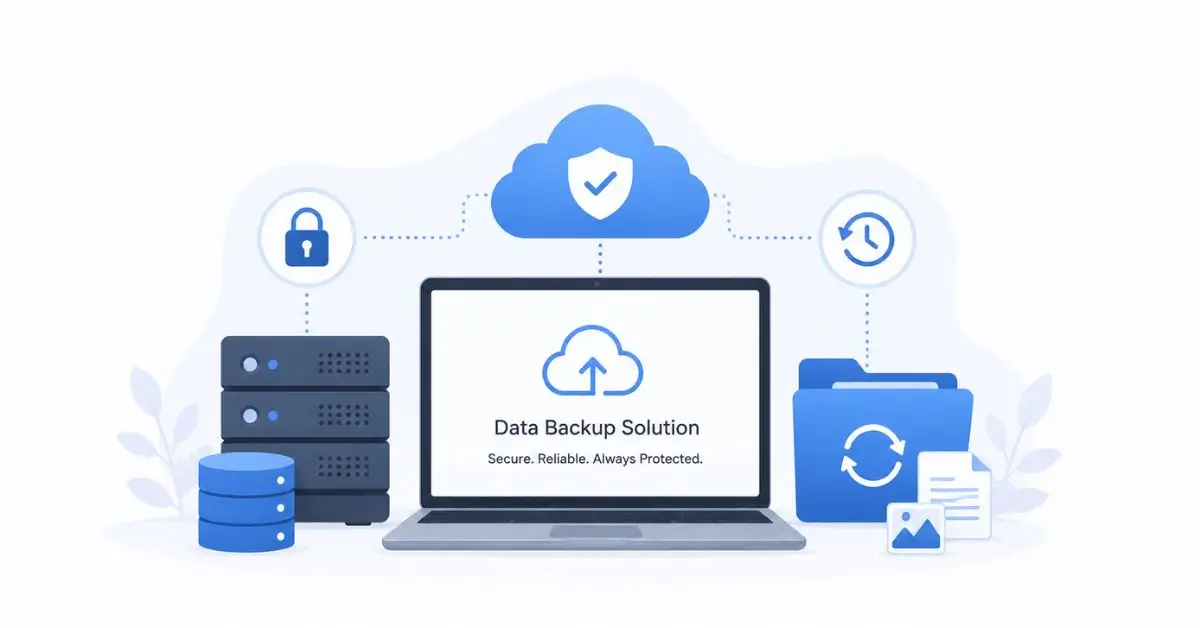
In today’s digital world, data is one of the most valuable assets for individuals and businesses alike. From customer information and financial records to personal photos and important documents, losing data can lead to significant financial and operational consequences.
This is why effective data backup solutions have become an essential part of modern technology strategies. Whether you’re a small business owner, IT manager, or everyday computer user, understanding how to protect your information can save time, money, and stress.
What Are Data Backup Solutions?
Data backup solutions are systems, tools, and processes used to create copies of digital information. These copies can be restored if the original data becomes lost, corrupted, damaged, or inaccessible.
Backup solutions help protect against:
- Hardware failures
- Cyberattacks and ransomware
- Human error
- Accidental deletion
- Natural disasters
- Software corruption
A reliable backup strategy ensures business continuity and minimizes downtime when unexpected incidents occur.
Why Data Backup Matters
Data loss can happen at any time. A laptop crash, server failure, or malicious cyberattack can instantly make critical information unavailable.
Key benefits of implementing data backup solutions include:
Business Continuity
Organizations can quickly recover operations after an incident.
Enhanced Security
Backup systems provide an additional layer of protection against ransomware and cyber threats.
Regulatory Compliance
Many industries require secure storage and backup of sensitive information.
Reduced Downtime
Fast recovery means less disruption to daily operations.
Peace of Mind
Knowing your data is protected reduces risk and uncertainty.
Types of Data Backup
Understanding backup methods helps organizations choose the right solution.
Full Backup
A full backup copies all selected data.
Advantages:
- Simple recovery
- Complete data protection
Disadvantages:
- Requires more storage space
- Takes longer to complete
Incremental Backup
Only new or modified files are backed up after the initial backup.
Advantages:
- Faster backups
- Lower storage requirements
Disadvantages:
- Recovery can be more complex
Differential Backup
Backs up all changes since the last full backup.
Advantages:
- Faster recovery than incremental backups
- Efficient storage usage
Disadvantages:
- Larger backup sizes over time
Cloud Backup vs Local Backup
Choosing between cloud and local storage depends on specific business needs.
Cloud Backup
Cloud backup stores data on remote servers accessed through the internet.
Benefits:
- Remote accessibility
- Automatic updates
- Scalable storage
- Lower hardware costs
Ideal for:
- Remote teams
- Small businesses
- Organizations needing offsite protection
Local Backup
Local backups store data on physical devices such as external drives, NAS systems, or local servers.
Benefits:
- Faster restoration
- No internet dependency
- Greater control
Ideal for:
- Large file environments
- High-speed recovery needs
The Rise of Hybrid Backup Solutions
Many organizations now adopt hybrid backup strategies that combine cloud and local storage.
A hybrid approach provides:
- Faster local recovery
- Offsite disaster protection
- Better redundancy
- Enhanced business continuity
This method is often considered the most comprehensive data protection strategy available today.
Understanding the 3-2-1 Backup Rule
Cybersecurity experts widely recommend the 3-2-1 backup rule.
The strategy includes:
- Three copies of your data
- Two different storage media
- One copy stored offsite
This approach significantly reduces the risk of total data loss.
Key Features to Look for in Data Backup Solutions
When evaluating backup software or services, consider these essential features:
Automated Backups
Automatic scheduling ensures backups occur consistently without manual intervention.
Encryption
Strong encryption protects sensitive information during storage and transmission.
Version Control
Allows recovery of previous file versions when needed.
Disaster Recovery Capabilities
Supports rapid restoration after major incidents.
Scalability
Accommodates future business growth and increasing storage needs.
Multi-Device Support
Protects desktops, servers, mobile devices, and cloud applications.
Best Practices for Data Backup
Following industry best practices improves backup reliability.
Perform Regular Backups
Create a consistent backup schedule based on business requirements.
Test Recovery Procedures
Regularly verify that backups can be restored successfully.
Use Multiple Storage Locations
Avoid storing all backups in a single location.
Protect Backup Systems
Apply strong authentication and security controls.
Monitor Backup Status
Track backup completion and identify failures quickly.
Update Backup Policies
Review and adjust backup strategies as technology and business needs evolve.
Data Backup and Ransomware Protection
Ransomware attacks continue to grow across industries.
Modern backup solutions play a critical role in cyber resilience by:
- Maintaining clean backup copies
- Supporting rapid recovery
- Reducing downtime
- Minimizing ransom demands
Organizations should ensure backups remain isolated from production systems whenever possible.
Future Trends in Data Backup Solutions
Technology continues to transform data protection strategies.
Emerging trends include:
AI-Powered Backup Management
Artificial intelligence can detect anomalies and optimize backup schedules.
Immutable Storage
Prevents unauthorized modification of backup files.
Cloud-Native Backup Platforms
Designed specifically for cloud environments and SaaS applications.
Advanced Threat Detection
Backup systems increasingly integrate cybersecurity monitoring capabilities.
These innovations help businesses strengthen resilience against evolving threats.
The Bottom Line
Data backup solutions are no longer optional. As cyber threats, hardware failures, and accidental data loss become increasingly common, organizations must prioritize comprehensive backup strategies.
By combining cloud storage, local backups, automation, encryption, and disaster recovery planning, businesses can safeguard their most valuable digital assets. Implementing modern backup practices today can prevent costly disruptions tomorrow and ensure long-term operational success.
Frequently Asked Questions
What is a data backup solution?
A data backup solution is a system or service that creates copies of digital information to protect against data loss and support recovery.
How often should data be backed up?
Critical business data should typically be backed up daily or continuously depending on operational requirements.
What is the safest backup method?
Many experts recommend a hybrid approach combined with the 3-2-1 backup rule for maximum protection.
Is cloud backup secure?
Yes. Reputable cloud providers use encryption, access controls, and redundant storage to secure data.
What is the difference between backup and disaster recovery?
Backup focuses on creating copies of data, while disaster recovery includes restoring systems, applications, and operations after a disruption.