How to Download TikTok Videos on iPhone for Free in 2026 (Full Guide)
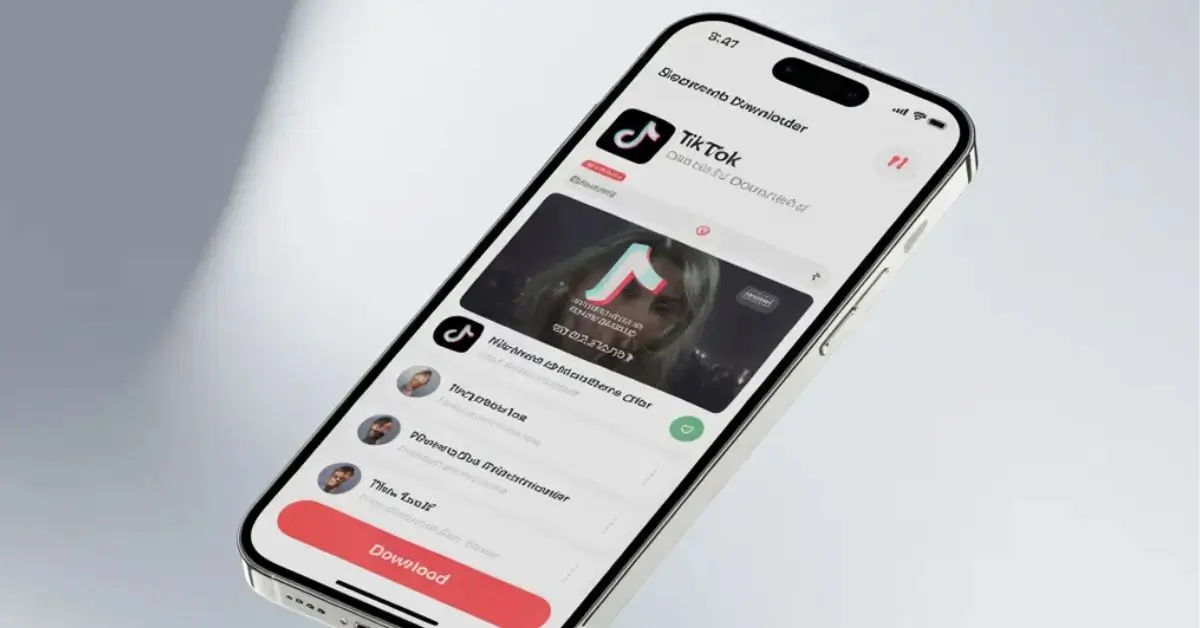
TikTok is one of the most popular short-video platforms in the world. Millions of users watch and share entertaining, educational, and trending videos every day. However, many iPhone users want to download their favorite TikTok videos for free so they can watch them offline or share them later. That’s why the keyword “TikTok video downloader for iPhone free” has become highly searched.
In this guide, you’ll learn safe and simple ways to download TikTok videos on your iPhone without paying for any app.
Can You Download TikTok Videos Directly on iPhone?
Yes, but with limitations.
TikTok allows users to save certain videos directly through the app by tapping the “Share” button and selecting “Save Video.” However:
- Not all videos have the save option enabled
- Downloaded videos include a watermark
- Creators can disable downloads
Because of these restrictions, many users look for alternative free solutions.
Best Free Methods to Download TikTok Videos on iPhone
1. Using Online TikTok Downloader Websites
This is the easiest and most popular method.
Steps:
- Open the TikTok app
- Tap the “Share” button on the video
- Select “Copy Link”
- Open Safari or Chrome on your iPhone
- Visit a trusted TikTok downloader website
- Paste the link and tap “Download”
Most online tools allow you to download videos in HD quality. Some even offer a watermark-free option.
2. Using the Shortcuts App (Advanced Option)
iPhones come with a built-in “Shortcuts” app. Some custom shortcuts can help download TikTok videos directly to your gallery.
However:
- Only download shortcuts from reliable sources
- Review permissions carefully
- Avoid unknown developer profiles
This method works well but may require a few extra setup steps.
How to Download TikTok Videos Without Watermark
Many users prefer watermark-free videos. Some online downloaders provide an option to remove the TikTok watermark automatically.
Before using such tools:
- Make sure the website is secure (HTTPS)
- Avoid clicking on pop-up ads
- Never enter personal information
Security should always be your top priority.
Legal and Ethical Considerations
While downloading videos for personal offline use is common, reposting someone else’s content without permission can violate copyright rules.
To stay safe:
- Give credit to the original creator
- Avoid commercial use without permission
- Follow TikTok’s content policies
Respecting creators helps maintain a fair digital environment.
Safety Tips for iPhone Users
When using free TikTok downloaders:
- Avoid installing unknown apps
- Do not share personal data
- Be cautious of fake “Download” buttons
- Close suspicious pop-ups immediately
iPhones are generally secure devices, but online risks still exist.
Final Thoughts
If you are searching for a “TikTok video downloader for iPhone free,” several easy and safe options are available. The most convenient method is using a trusted online downloader through your browser. Just remember to prioritize security and respect copyright guidelines.
With the right approach, you can safely download and enjoy your favorite TikTok videos offline anytime.